> ## Documentation Index
> Fetch the complete documentation index at: https://docs.syllable.ai/llms.txt
> Use this file to discover all available pages before exploring further.
# API Tokens
> How to securely manage authentication tokens for SDK access using the Syllable Console interface
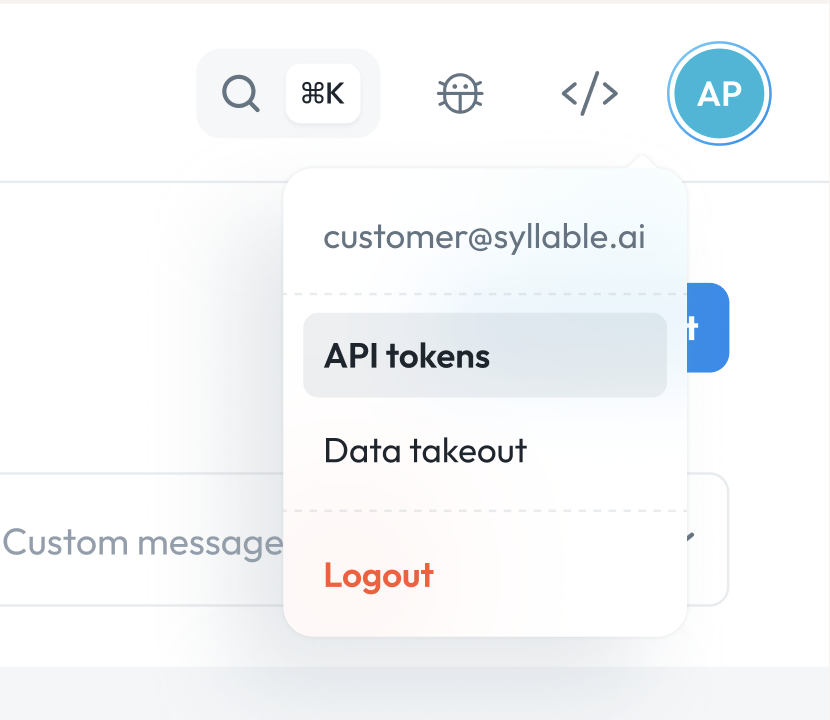
You can generate API tokens for your organization and sub-organization by clicking on your profile on the top right and selecting "API tokens" in the dropdown.
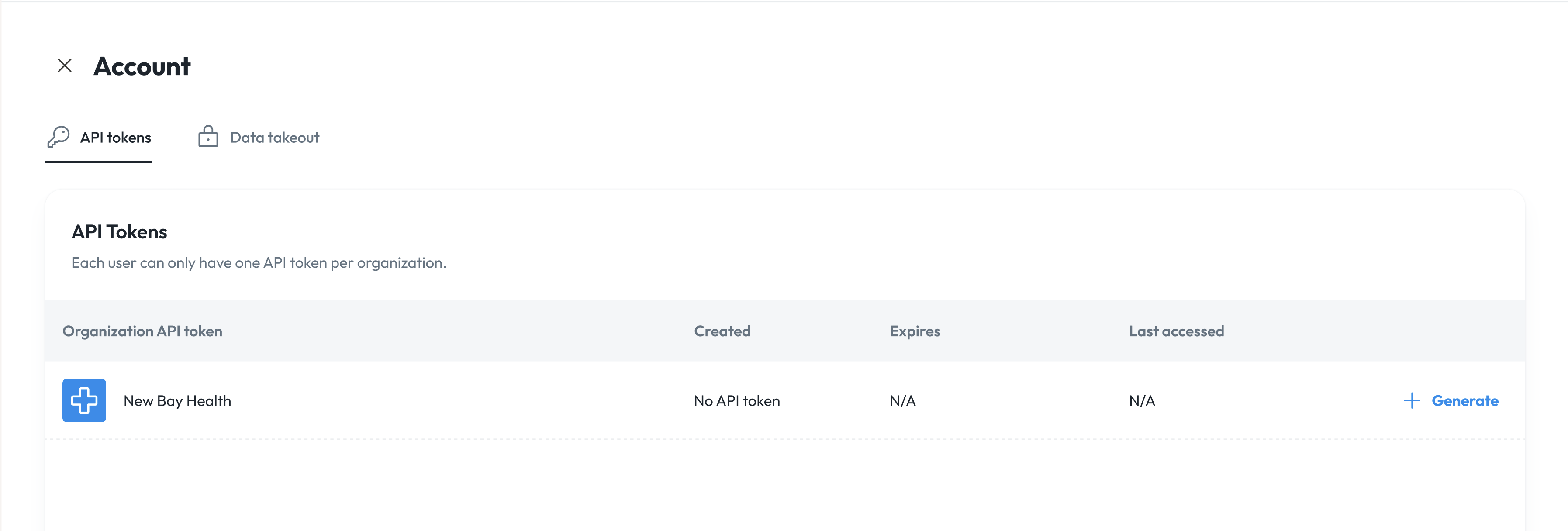
 You will see your organization and the ability to generate an API token.
* **Note**: You can only have one API token per organization.
You will see your organization and the ability to generate an API token.
* **Note**: You can only have one API token per organization.
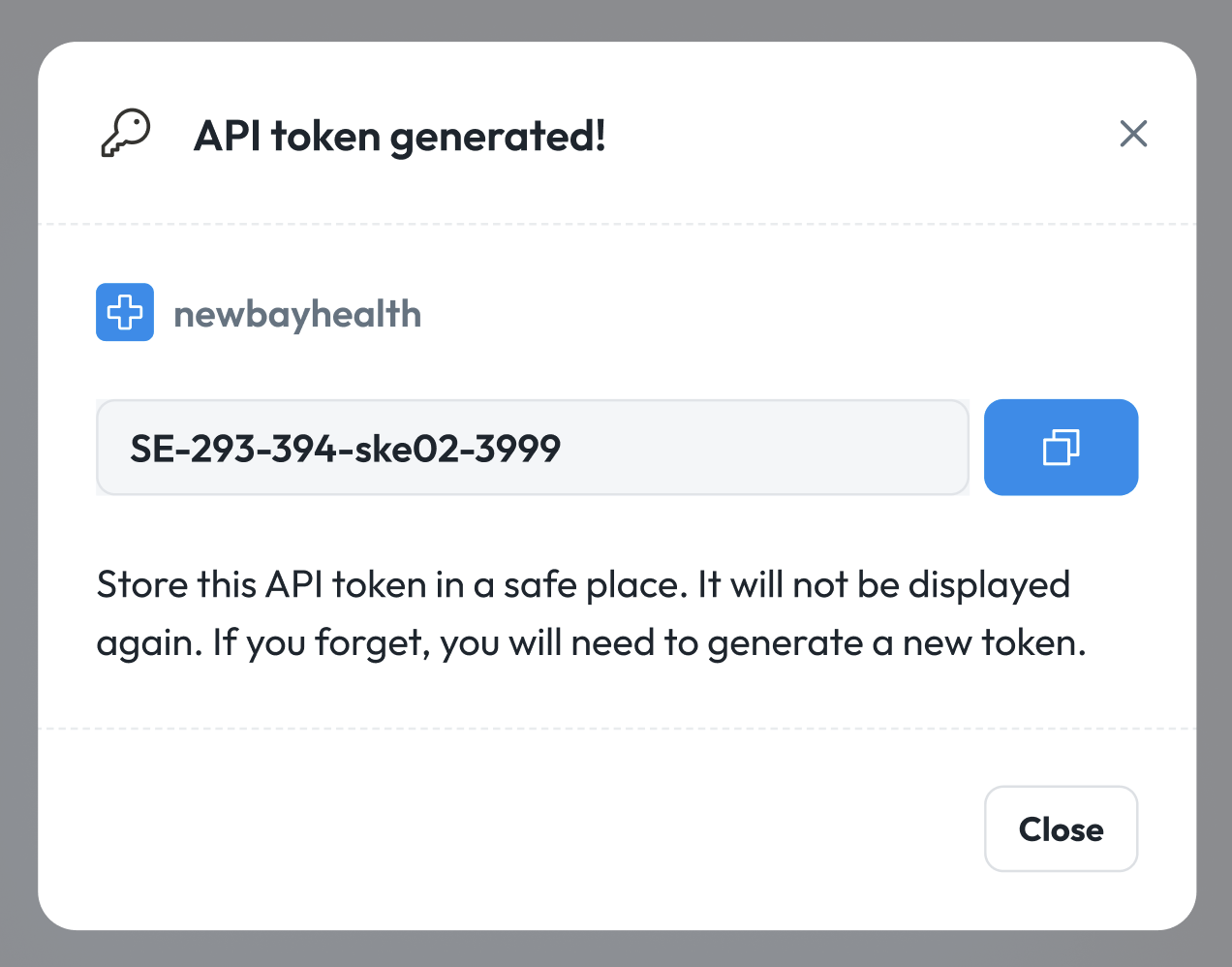
 Click "Generate". You will see that an API token has been created. And you can click "Copy".
* **Note**: Store this API token in a safe place. It will not be displayed again for security purposes.
Click "Generate". You will see that an API token has been created. And you can click "Copy".
* **Note**: Store this API token in a safe place. It will not be displayed again for security purposes.
 Once an API token is generated, you will be able to view when it was created, when it expires, and you will be able to revoke it.
